Zero config, one command
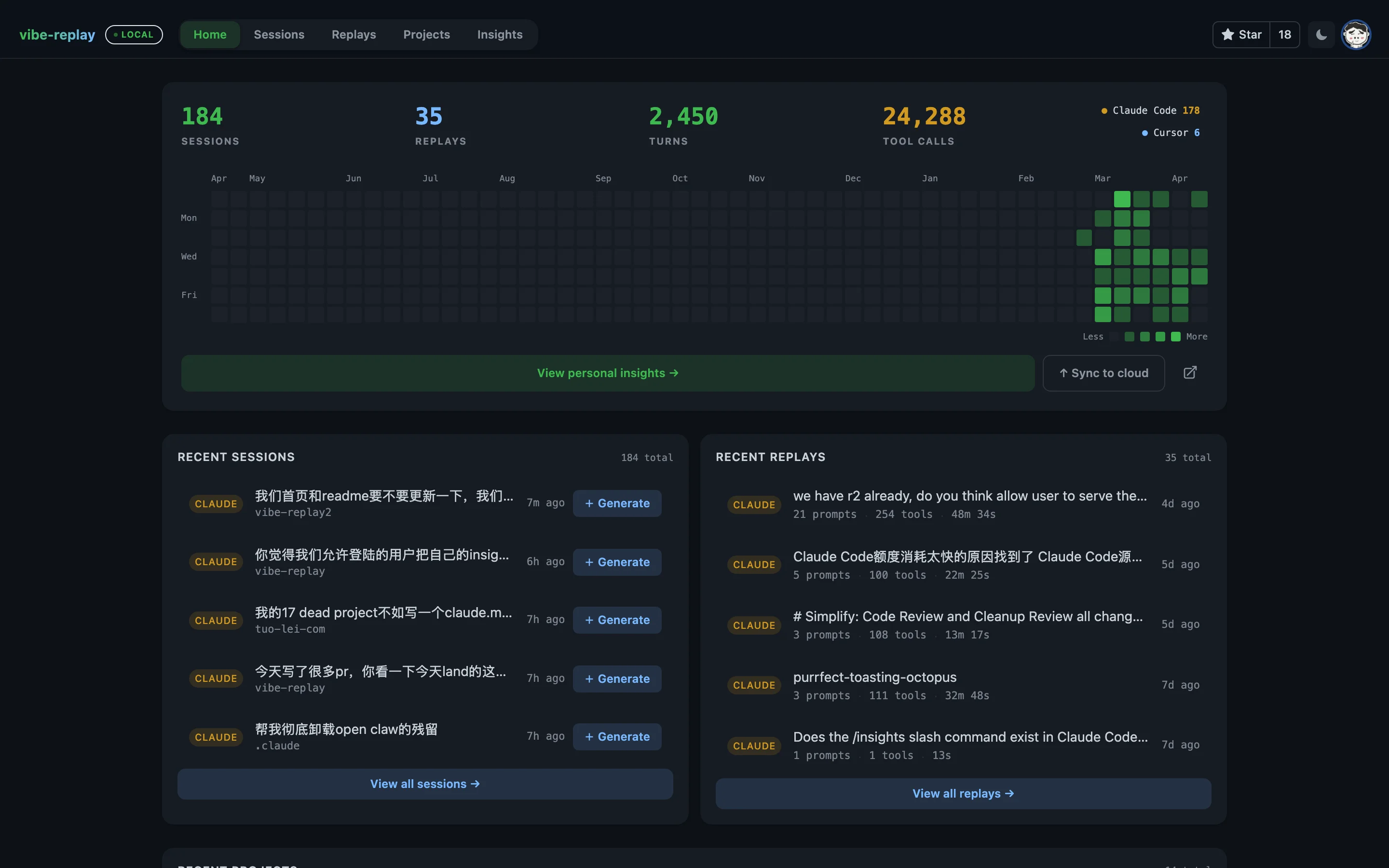
No account or setup is required for local replays. Run npx vibe-replay and pick a session. Optional Settings add remote SSH sources, cloud publishing, and the embedded AI Studio — no external coding CLI required.
One file, works offline
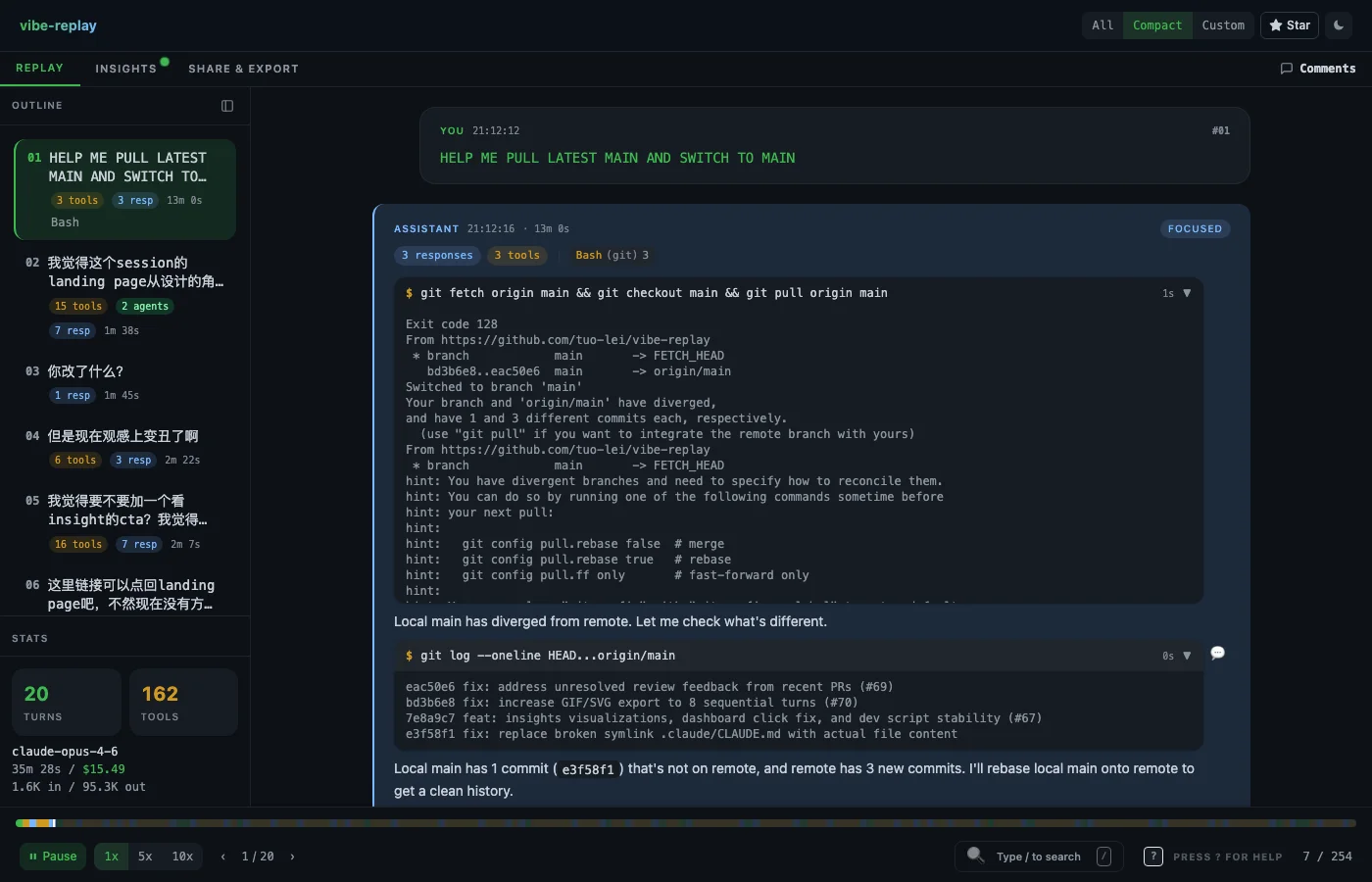
Every replay is a single self-contained HTML file with no automatic external requests. Drop it in Slack, email it, open it on a plane. Remote images load only after an explicit click.
Works with every agent
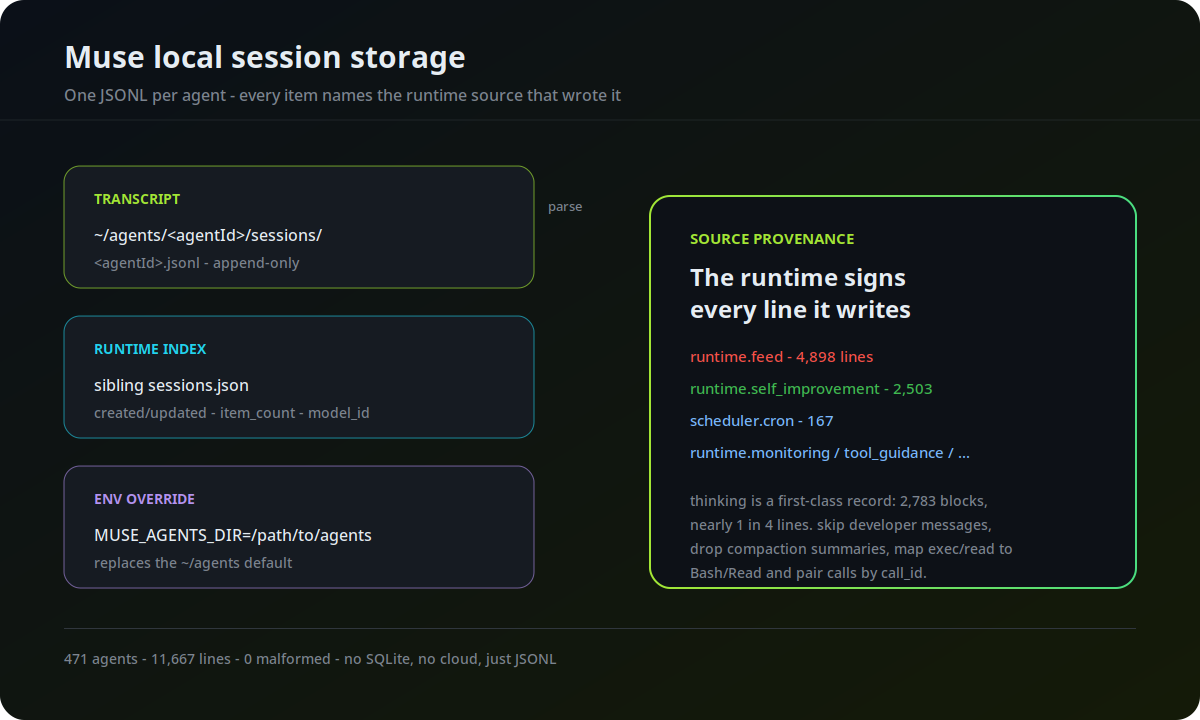
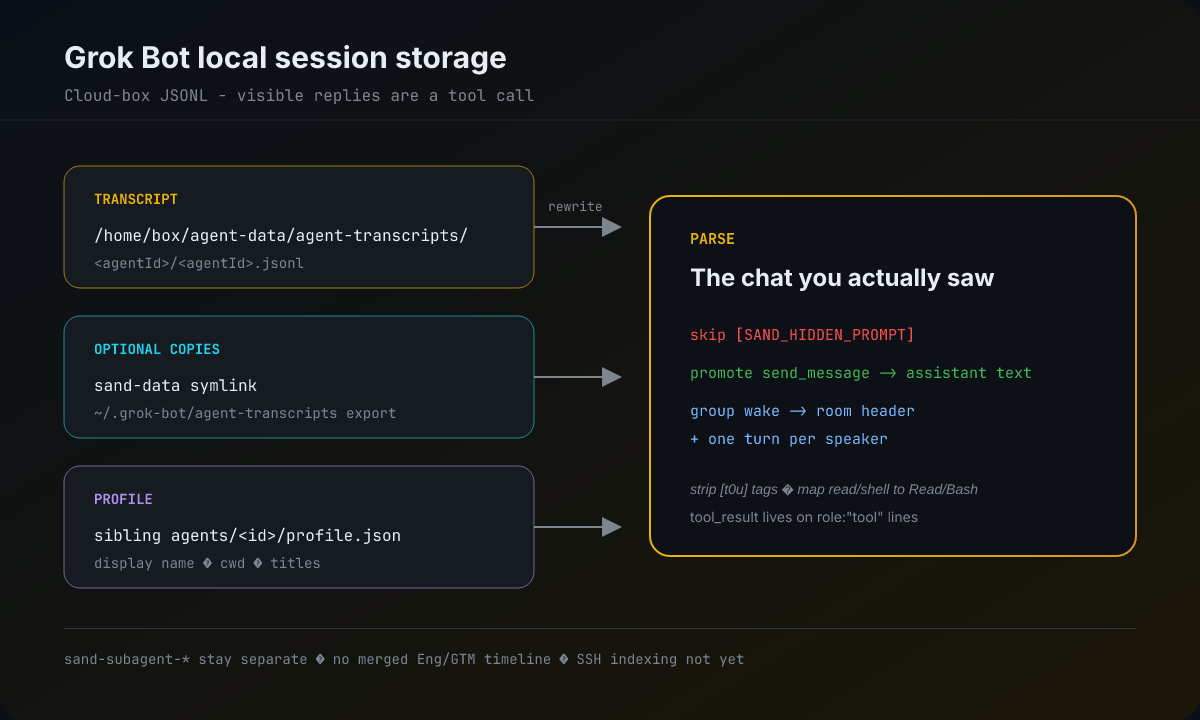
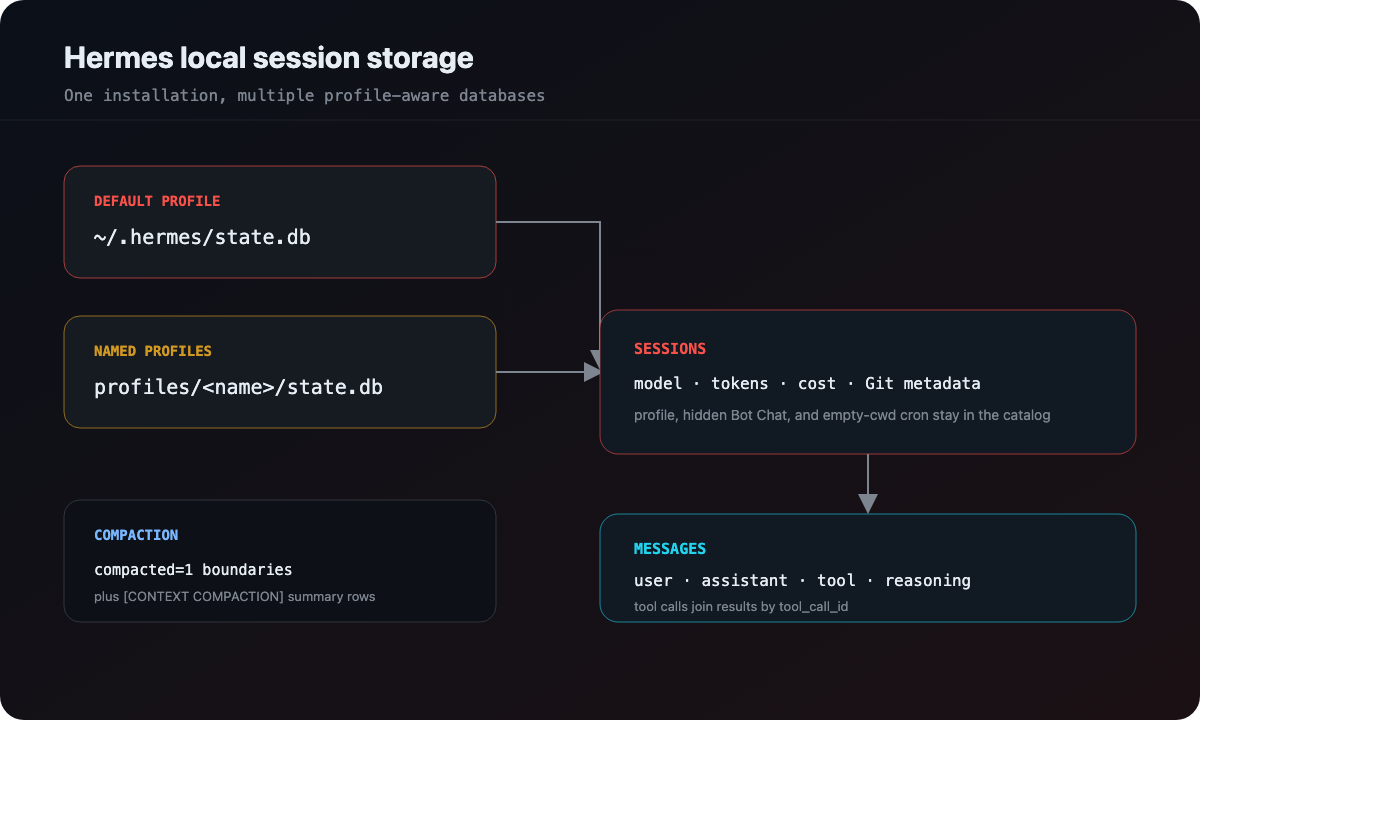
Claude Code, Claude Desktop, Claude Cowork, Cursor, Codex, OpenCode, Hermes, Pi, and Grok Bot — all auto-discovered from local files out of the box, including multi-file and resumed sessions. Muse support is on main and ships in the next npm release. Watch the Eng+GTM Grok Bot demo.
Personal insights dashboard
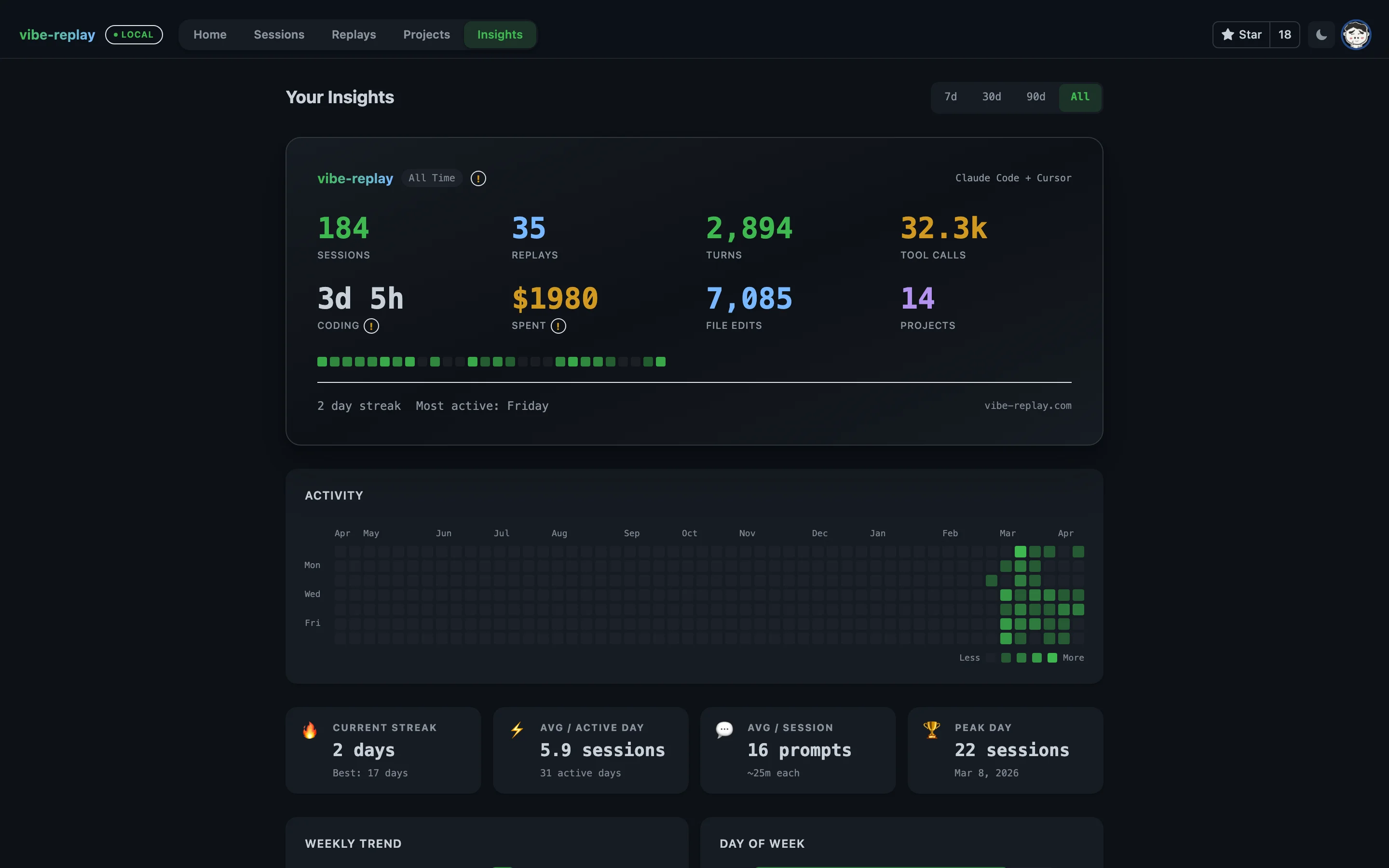
Your AI coding wrapped: GitHub-style heatmap, streaks, weekly trends, top projects, model usage, and cost tracking — with drilldowns by provider, tool, MCP server, and time range. Works for local sessions and remote SSH sources alike.
Session analytics & cost tracking
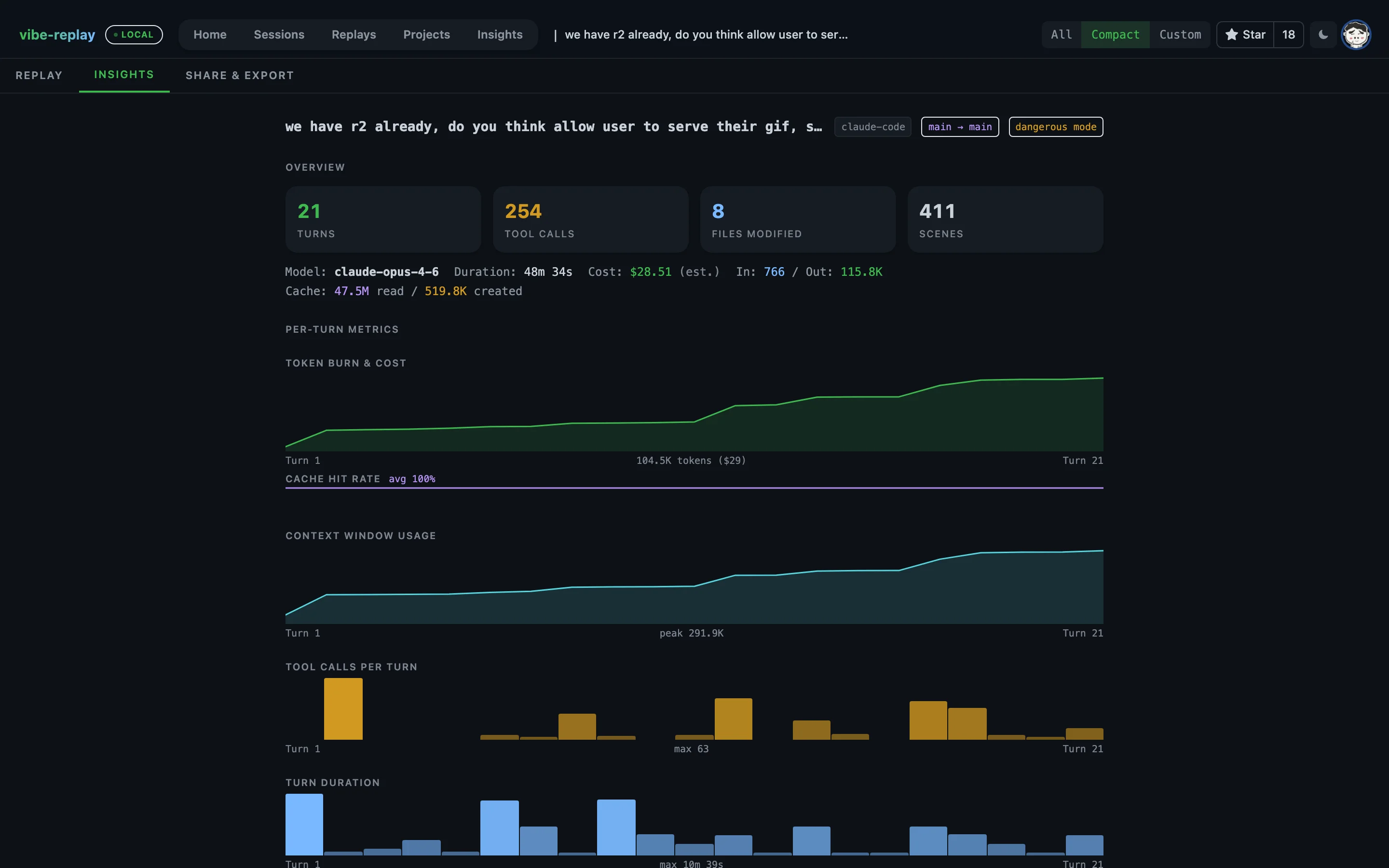
Deep per-session analytics: token burn over time, context window usage, cache hit rates, tool call breakdown, model breakdown, and cost estimates with data-quality hints.
Share & export anywhere
Export HTML, markdown, SVG, or GIF for PRs, or publish via GitHub Gist/cloud. Quick Share is on main for the next npm release: a temporary E2E-encrypted link without uploading the replay. Secret redaction built in.
AI Studio, built in
Analyze, translate, and professionalize replays with the embedded Pi runtime and the provider/model you choose. Bring OpenAI-compatible local gateways or hosted endpoints — no external coding CLI required.
Ask Replay
Ask read-only questions about sessions, scenes, tools, MCP usage, coverage, projects, and Insights. Get a stable link back to the exact replay or dashboard view — never an unreviewed mutation.
Remote SSH sources
Add Codex, Claude Code, or Pi sessions from an OpenSSH host using your existing aliases, keys, agents, and ProxyJump setup. Remote data is cached locally and excluded from cloud insight sync.